If you want to research names alone, pick Bloom. If you want to agree on a name with your partner, I’d pick NameHatch**.**
Here’s the short answer:
- Bloom Baby Names is better for private name browsing
- NameHatch is better for two-person matching
- Bloom focuses on meanings, origins, background, and popularity data
- NameHatch focuses on shared swiping, synced matches, and couple decision-making
- NameHatch Premium starts at $3/month
- The 6-month plan is $12 total, which is about $6 cheaper than paying month to month
- Bloom does not include partner syncing
- NameHatch works in a browser on mobile and desktop
If you want the simplest path, I’d use this rule:
- Choose Bloom for private research first
- Choose NameHatch for making the final choice together
- Or use both: start with Bloom, then move to NameHatch once your list is shorter
Bottom line: this is less about which app has more features and more about how you want to choose a name day to day.
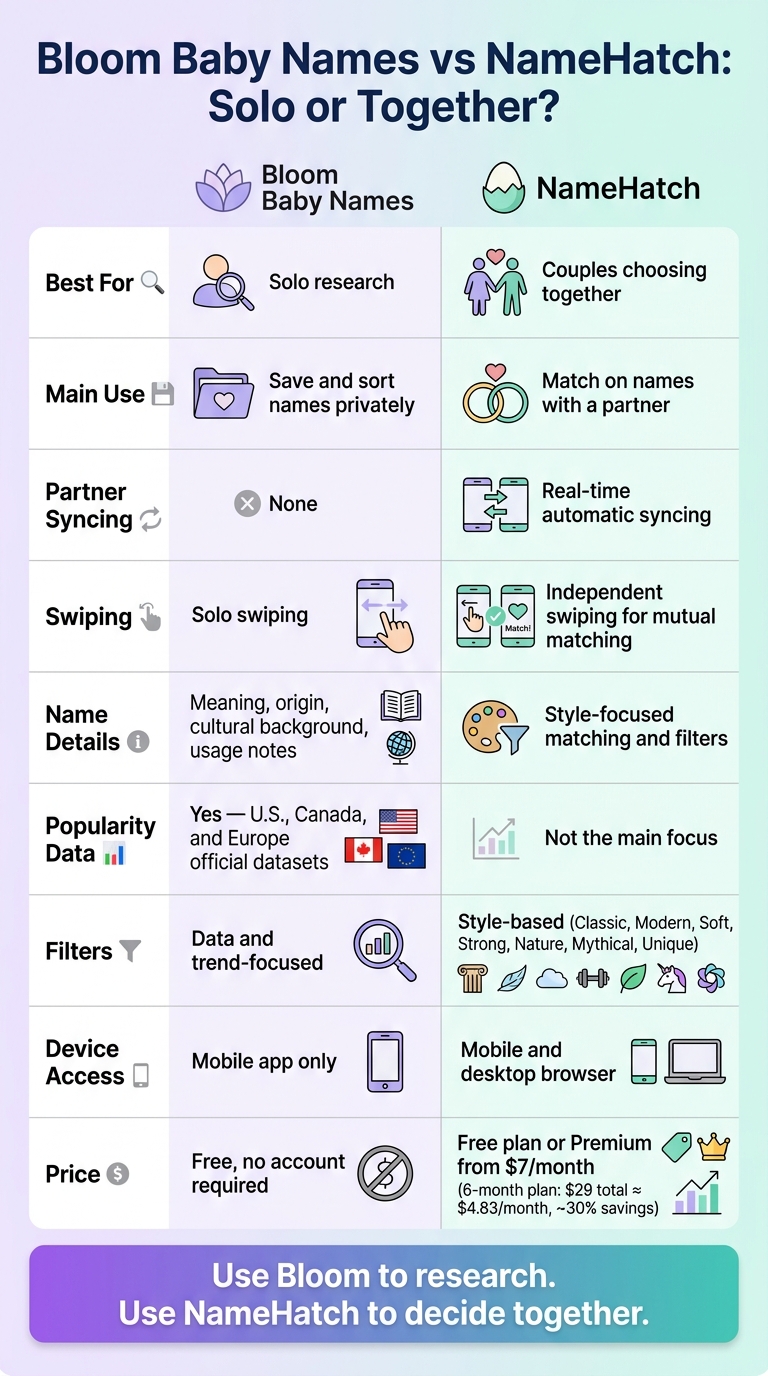
Bloom Baby Names vs NameHatch: Side-by-Side Comparison
Quick Comparison
| Criteria | Bloom Baby Names | NameHatch |
|---|---|---|
| Best for | Solo research | Couples choosing together |
| Main use | Save and sort names privately | Match on names with a partner |
| Swiping | Yes, solo | Yes, each partner swipes alone |
| Shared matching | No | Yes |
| Name details | Meaning, origin, background, usage notes | More focused on matching and filters |
| Popularity data | Yes, using official U.S., Canada, and Europe datasets | Not the main focus |
| Filters | Data and trend-focused | Style-based filters |
| Devices | Mobile app | Mobile and desktop via browser |
| Price | Free | Free or Premium from $3/month |
I’d read this comparison one way: Bloom helps me learn about names. NameHatch helps me agree on one.
sbb-itb-f13f980
Bloom Baby Names for solo name research
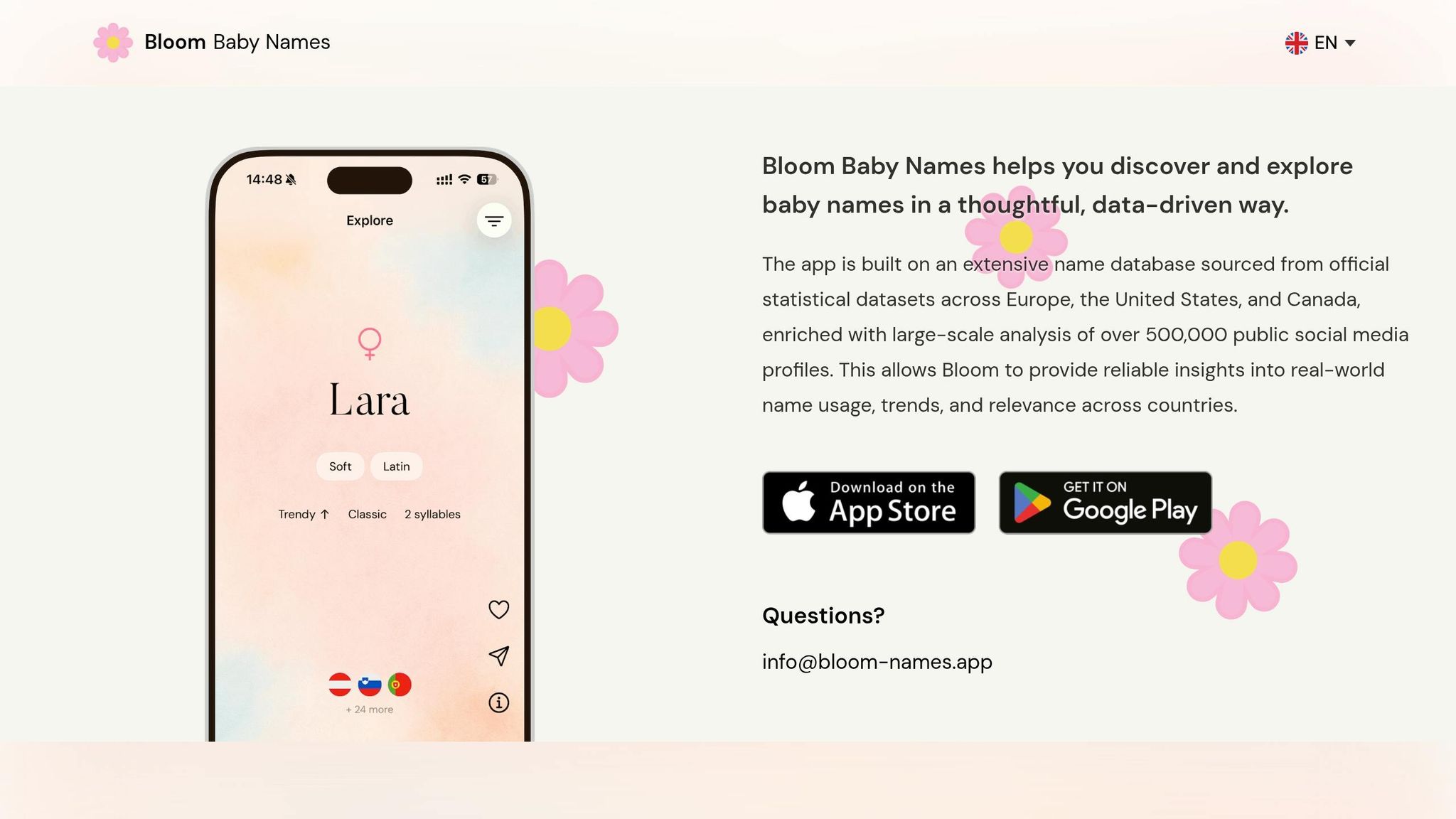
Bloom Baby Names uses swipe cards in a simple, low-friction way: like a name, save it to your private shortlist; skip it, and it won’t keep showing up later. That setup makes it a good pick for solo browsing and private shortlist building. But the bigger draw is the context that comes with each name.
Each card includes the name’s meaning, origin, cultural background, and usage notes, so you’re not judging it on sound alone. You get enough detail to compare names with a bit more purpose instead of going purely on instinct.
Bloom also pulls usage data from official datasets in the U.S., Canada, and Europe to show both popularity and trend direction. That’s handy if you want to steer clear of names that are starting to spike. And the country-by-country view adds another layer. For U.S. parents with ties abroad, a name that feels less common here may already be much more popular somewhere else.
Where Bloom Baby Names works best when you are naming alone
Bloom works best for parents who want to do their research on their own first, then share a shortlist later. It does not include partner matching, shared shortlists, or synced voting. So if your goal is to make choices together inside the app, Bloom isn’t the best match for that setup. For couples who want synced matching and shared decisions, NameHatch is the better fit.
NameHatch for couples naming together
If you've already done some private digging and trimmed down the giant baby-name universe, NameHatch helps both partners land on the same picks. It's built for two people trying to agree on one name, not for one person making a solo list and texting screenshots back and forth.
NameHatch helps couples move toward a shared shortlist faster. AI suggestions and filters bring up names that match your style, with free filters for Most Popular, Classic, Modern, Soft, and Strong. Premium adds Nature-Inspired, Global, Mythical, and Unique.
How partner syncing and matching help couples decide
The main win is simple: when both partners like the same name, it becomes a match automatically. Each person swipes on their own, and shared likes go straight into the match pile.
That cuts down on the usual back-and-forth that can drag out the naming process. One partner can swipe on the couch, the other can check names during a lunch break, and both can keep adding to the same shortlist from whatever device is easiest.
NameHatch pricing and plan options
For couples still in the middle of the search, pricing can make a difference.
| Plan | Price | Swipes | Favorites | Advanced Filters |
|---|---|---|---|---|
| Free | $0/month | 30 swipes | Limited | Not included |
| Premium (Monthly) | $3/month | Unlimited | Unlimited | Included |
| Premium (6 Mo.) | $12/6 months | Unlimited | Unlimited | Included |
The Free plan gives you basic swiping, standard filters, and partner syncing. Premium (Monthly) costs $3/month and gives full access without a longer commitment. Premium (6 Mo.) costs $12 for 6 months, which saves $6 in the long run.
If your search is likely to take a while, Premium (6 Mo.) gives you the better deal.
Bloom Baby Names vs. NameHatch: side-by-side comparison
Here’s the short version: Bloom is better if you want to research names on your own. NameHatch is better if two people want to line up on a name without all the back-and-forth.
Put simply, Bloom leans toward solo browsing. NameHatch is built to help couples match on names faster.
| Feature | Bloom Baby Names | NameHatch |
|---|---|---|
| Research depth | High - official population statistics | Moderate - faster agreement |
| Swipe experience | Solo swiping to like or skip | Independent swiping for mutual matching |
| Partner syncing | None - built for solo browsing | Real-time automatic syncing |
| Couple decision flow | Manual - you compare lists yourself | Automatic matching; shared list updates as both partners swipe |
| Filters | Data-driven (US, Canada, and Europe stats) | Style filters and preference filters |
| Device access | Mobile app | Mobile app and desktop |
| Pricing (USD) | Free, no account required | Free; Premium from $3/month |
Which app is better for solo research
Bloom is the better choice for private research, popularity checks, and building a shortlist before you bring a partner into the mix. You can then use baby name tools to narrow your list further.
Which app is better for choosing a name together
Start with the table if you want the quick scan. Then pick based on how you’ll use the app day to day.
NameHatch is the better choice once both partners are ready to compare names and see where they match.
How to pick the right app for your situation
Use the comparison above to match each app to the way you want to choose names.
Best pick if you want to research names on your own first
If you'd rather start in private, Bloom is the cleaner choice. Go with Bloom Baby Names if you want to look through meanings, origins, and popularity trends before bringing your partner into the process. It works well for trimming down your list before you start making choices together.
Best pick if you want an easier way to agree as a couple
If you're ready to choose as a team, NameHatch makes that part simpler. NameHatch fits better when both of you want to compare favorites and build a shared shortlist. Each partner can swipe baby names together on their own devices, and the app shows mutual matches automatically.
A simple two-step approach can work well here: start with Bloom for private inspiration, then move to NameHatch for shared decisions. That way, your shortlist starts off tighter and less cluttered. This helps you resolve baby name conflicts before they become overwhelming.
FAQs
Can I use both apps in sequence?
Yes. A lot of parents start by brainstorming on their own and building a long list of name ideas first. Then they move to NameHatch to sort through those picks together.
It’s a simple way to figure out your own style before you compare notes with your partner. From there, you can line up your preferences, spot the overlap, and narrow things down to the names you both like best.
Do both partners need Premium to use NameHatch together?
No. Both partners do not need their own Premium subscription to use NameHatch together.
Premium features are tied to the account, not the device or the individual user. So if one person subscribes and the accounts are linked, both partners can use the full set of benefits, including unlimited swipes, advanced filters, and priority support.
Which app is better for name popularity trends?
If popularity trends are your main focus, NameHatch is a strong pick because it comes with a built-in Trend Analyzer. It shows how a name’s popularity has changed over the last 20 years, which makes it easier to see whether that name is gaining traction or fading out.
You also get smart filters, including a Most Popular category, so you can narrow the list based on the level of popularity you want.