Choosing a baby name is easier than ever with apps like Kinder and NameHatch. Both offer swipe-based designs, allowing couples to independently explore names and find mutual favorites. Kinder is affordable and simple, while NameHatch provides advanced features like AI-driven suggestions and smart filters. Here's a quick breakdown:
- Kinder: Budget-friendly with straightforward functionality. Costs $4.99 to unlock all name sets but is mobile-only and lacks advanced filters.
- NameHatch: Offers AI-powered recommendations, cross-platform access, and premium features starting at $7/month. Free plan includes 30 swipes.
Quick Comparison
| Feature | Kinder | NameHatch |
|---|---|---|
| Free Version | 1 name set, basic swiping | 30 swipes, basic filters |
| Pricing | $4.99 for all name sets | $7/month or $29/6 months |
| Advanced Filters | Not available | Available with premium |
| Platform | Mobile only | Mobile and desktop |
Kinder is perfect for those wanting an affordable, no-frills option. NameHatch is ideal if you prefer tailored suggestions and more flexibility.
1. Kinder Baby Name App
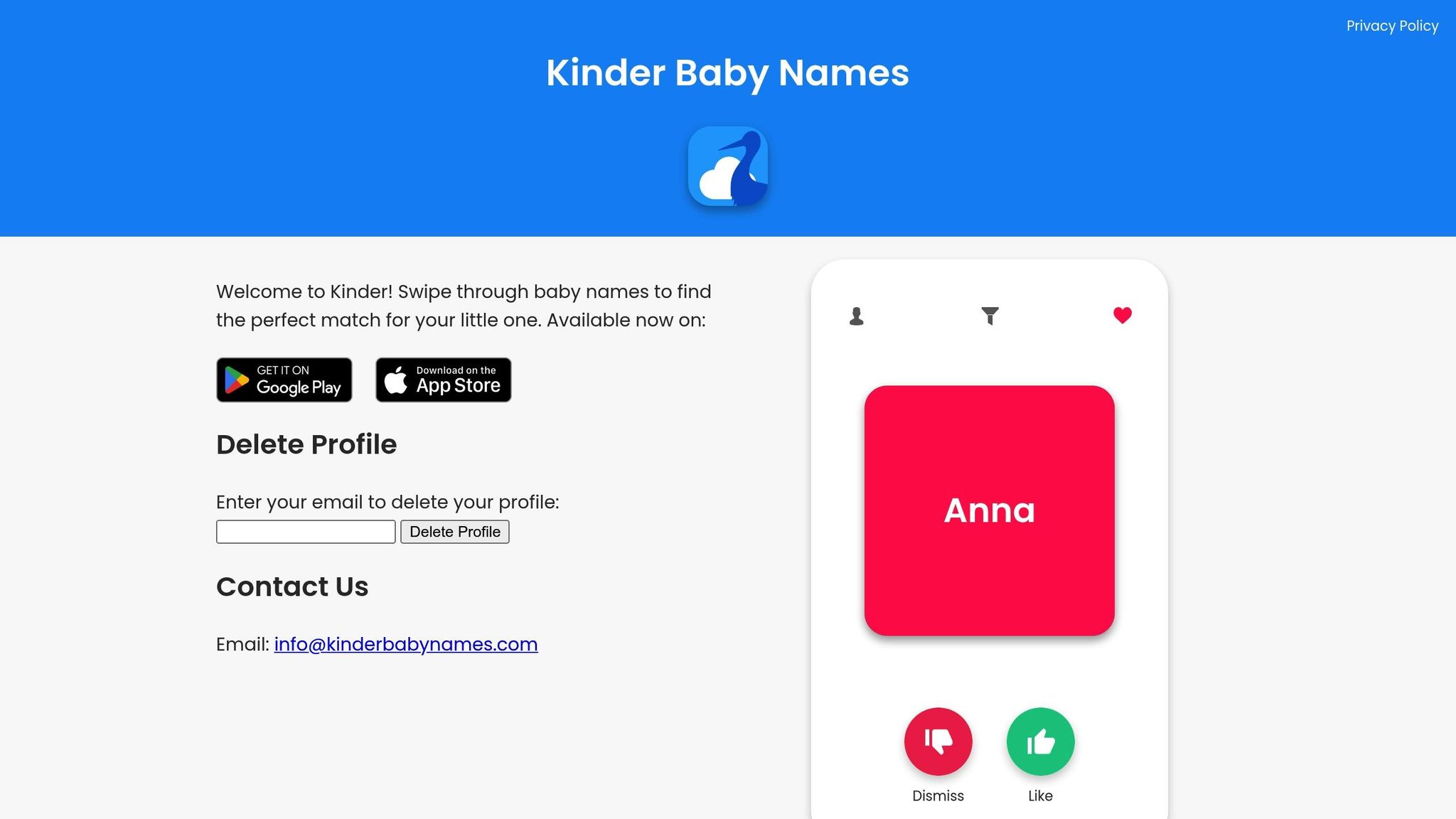
The Kinder app makes baby name selection a breeze with its swipe-based interface. Each partner can browse names independently, swiping left or right to express their preferences. Once one partner sends an invite code and the other accepts, their accounts sync to reveal the names they both liked. It’s a simple yet clever way to collaborate on such an important decision.
The app’s clean, minimalist design and responsive gestures make it easy for a wide range of users to navigate. However, some users have reported occasional hiccups, like syncing delays or minor responsiveness issues, which can momentarily disrupt the otherwise smooth experience.
Despite these small technical glitches, the Kinder Baby Name App provides a convenient and collaborative way for parents to narrow down their baby name options together.
2. NameHatch
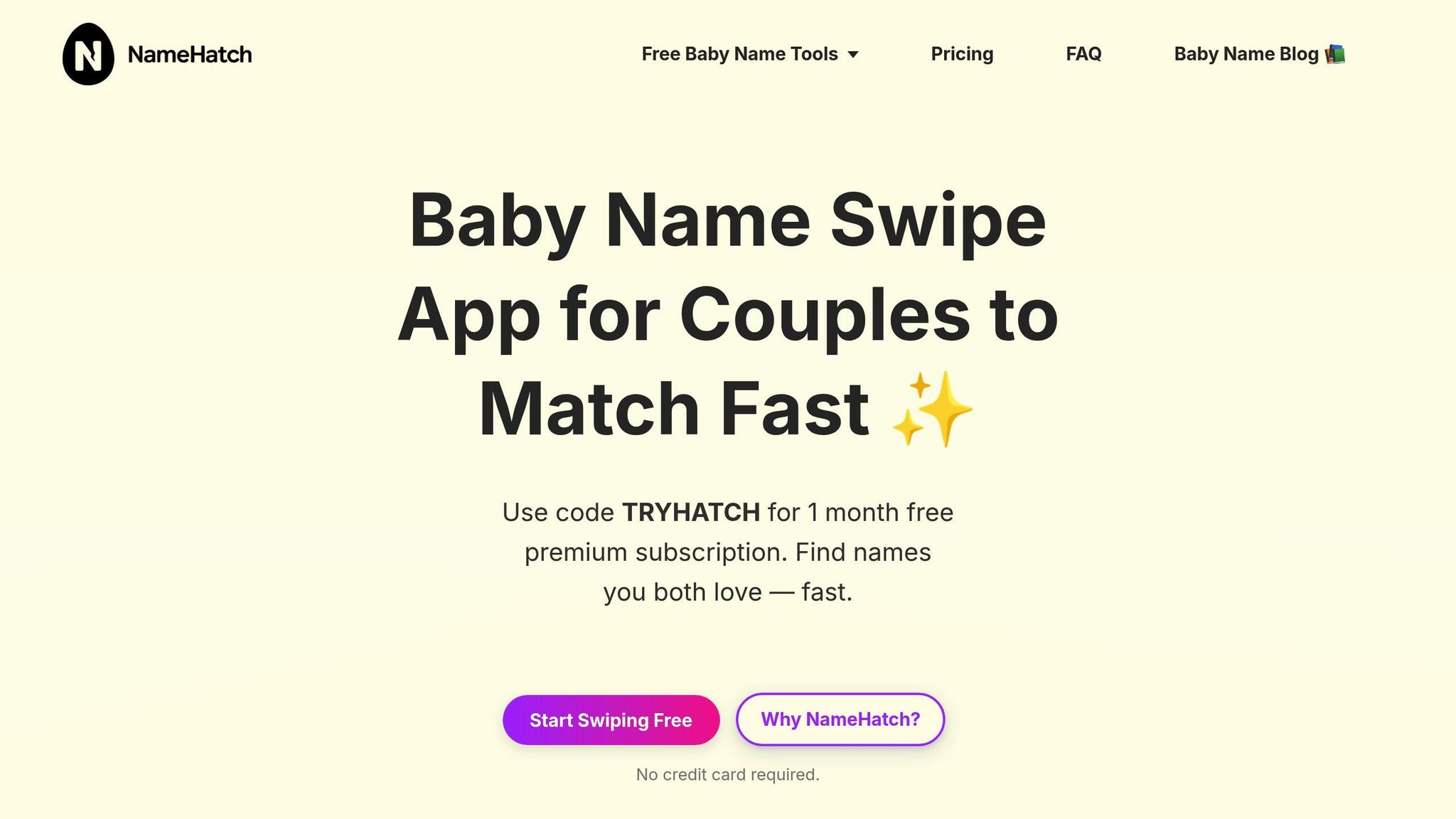
NameHatch takes the swipe-based approach to the next level, combining AI-driven suggestions with smart filters to give parents more control over selecting the perfect baby name.
Collaborative Features
Once one partner creates an account, they can connect with their significant other using the app's syncing feature. After syncing, both partners can swipe through names independently, while real-time alerts notify them of mutual likes. This instant feedback eliminates the hassle of manually comparing lists, making the process more engaging and interactive.
The app also offers a shared shortlist feature, where couples can save their favorite names and revisit them together. This setup makes collaboration effortless while allowing access to a wide variety of discovery tools.
Name Discovery Options
NameHatch provides a range of discovery tools to suit different preferences. With smart filters like Classic, Modern, Soft, and Strong, you can quickly narrow down the types of names you’re drawn to. For those looking for something more specific, premium filters open up categories such as Nature-Inspired, Global, Mythical, and Unique.
Thanks to its AI-powered system, the app refines its suggestions as you swipe, tailoring recommendations to your preferences.
Pricing and Accessibility
NameHatch is available on both mobile and desktop, giving you the flexibility to browse names on the go or from the comfort of home. This cross-platform compatibility ensures you can search whenever and wherever it’s convenient.
The app offers a free plan that includes 30 swipes, limited favorites, and basic filters - perfect for testing the waters. For those who want unlimited access, premium plans start at $7.00 per month or $29.00 for six months (a 30% savings compared to monthly billing). Premium features include unlimited swipes, unlimited favorites, advanced filters, and priority customer support. New users can even try premium for free for one month using the code TRYHATCH.
User Experience and Stability
NameHatch is designed with simplicity in mind. Its intuitive interface makes navigation effortless, with no steep learning curve. The app responds quickly, with no lag or syncing delays, and the ad-free experience ensures you can focus entirely on finding the right name without distractions.
For premium users, priority support guarantees prompt assistance if any technical issues arise. The app’s overall stability and fluid performance make it a dependable tool, whether you’re casually browsing or finalizing your shortlist with your partner.
sbb-itb-f13f980
Strengths and Weaknesses
As we've discussed earlier, both Kinder and NameHatch are designed to make collaborative decision-making easier when it comes to choosing baby names. They share a swipe-based approach to help couples explore options, but they differ significantly in terms of features, pricing, and overall user experience. To help you decide which app suits your needs better, here's a breakdown of their key differences:
| Feature | Kinder | NameHatch |
|---|---|---|
| Free Version | One name set based on location; collaborative swiping available | 30 swipes, limited favorites, basic filters |
| Pricing | $0.99 per additional name set; $4.99 to unlock all sets | $7.00 per month or $29.00 for 6 months (30% savings) |
| Unlimited Access | Purchase individual sets as needed | Unlimited swipes and favorites available with premium |
| Name Discovery | Limited to purchased name sets | AI-powered suggestions paired with smart and premium filters |
| Advertisements | Removed after any purchase | Ad-free experience for all users |
| Platform Availability | Mobile only | Mobile and desktop |
| Partner Syncing | Real-time matching with a connected partner | Real-time alerts for matched names and a shared shortlist |
| Customer Support | Standard support | Priority support for premium users |
Kinder: Affordable and Simple
Kinder’s standout feature is its affordability, especially for casual users. The app is free to download and includes one name set based on your location, which allows couples to try out the collaborative swiping functionality without spending anything upfront. Additional name sets are reasonably priced at $0.99 each, while unlocking all sets costs just $4.99. Plus, purchased name sets sync seamlessly between partners, making it easy to collaborate.
That said, some users have reported that both partners need to purchase name packs, which can be frustrating. Additionally, the free version’s limited variety can leave users running out of options quickly. Being a mobile-only app, it also lacks the flexibility of desktop access, which might be a drawback for some.
NameHatch: Advanced Features and Flexibility
NameHatch addresses many of these limitations with a more feature-rich experience. Its AI-powered suggestion system learns your preferences as you swipe, providing tailored recommendations. Smart filters like Classic, Modern, Soft, and Strong help refine your search, while premium filters unlock specialized categories such as Nature-Inspired, Global, Mythical, and Unique.
Another big plus for NameHatch is its cross-platform compatibility. Whether you're on the go with your phone or relaxing at your desk, you can access the app on both mobile and desktop. The ad-free experience ensures your focus stays on discovering names, and premium users also benefit from priority customer support.
However, NameHatch’s free plan is limited to just 30 swipes, which means you may need to upgrade to premium fairly quickly if you’re serious about finding the perfect name. While the monthly cost of $7.00 or the six-month plan at $29.00 might feel like a higher commitment, the advanced features and unlimited access can make it worthwhile for couples who want a comprehensive tool.
Final Thoughts
Both Kinder and NameHatch excel at helping couples collaborate on name discovery, but they cater to different needs. If you’re looking for a budget-friendly, straightforward option, Kinder is a solid choice. On the other hand, if you value advanced features, tailored suggestions, and cross-platform usability, NameHatch offers a more complete experience. Your decision ultimately depends on your priorities - whether it’s affordability, functionality, or convenience.
Conclusion
If you're looking for an affordable and simple way to start exploring baby names, Kinder is a great option. For just $4.99, you can unlock all name sets, making it an accessible choice for couples who want a fun and collaborative experience. It’s especially useful for those who enjoy browsing names from different backgrounds and don’t mind doing a bit of extra research on meanings and origins outside the app.
On the other hand, NameHatch offers a more feature-packed experience. With AI-driven suggestions, advanced filters, and the convenience of both mobile and desktop access, it’s designed for those who want a more personalized and efficient name search. The premium plan, priced at $7.00 per month or $29.00 for six months, includes unlimited swipes, real-time syncing with your partner, and an ad-free experience with priority support. These tools make it easy to discover names wherever you are - whether during your commute or from the comfort of your home.
FAQs
How do Kinder and NameHatch compare in features and pricing?
Kinder is free to use, but it also offers optional in-app purchases if you'd like access to extra name collections. NameHatch takes a slightly different approach, providing a free plan with a limited number of swipes. For those who want more, NameHatch’s premium plan includes unlimited swipes and advanced filtering tools to help narrow down your options.
Both apps make choosing a baby name easier, but NameHatch’s premium features are tailored for users who want more control and customization in their search for the ideal name.
How does the Kinder app's syncing feature work, and what challenges might users encounter?
The Kinder app makes choosing a baby name a fun and collaborative experience for couples. Using a swipe-based system, each user swipes right on names they like and left on those they don’t. If both partners swipe right on the same name, the app lets them know they’ve found a match.
Although the syncing feature is easy to use and straightforward, some users have mentioned occasional hiccups like freezing or delays in syncing matches. While these technical issues can interrupt the process, they don’t seem to be a common problem.
How does NameHatch provide more personalized and efficient baby name suggestions?
NameHatch leverages advanced AI to provide baby name suggestions that align closely with your personal preferences. By offering detailed filters for aspects like style, origin, and meaning, it simplifies the often overwhelming process of choosing the perfect name, helping you find options that truly resonate.
With its user-friendly design and intelligent algorithms, the app ensures a seamless and enjoyable experience. It not only saves time but also encourages collaboration, making it easier for partners to come together in the decision-making process.